
Searching Cases by Name
re:SearchGA is the statewide route for participating Pierce Superior and State Court records. A basic account is required. The official guide supports party, attorney, judicial-officer, case-number, and advanced criteria. Current live labels could not all be verified because the portal returned a 403 response during research, so use only controls shown in the current session.
- Register for basic access and open the Cases tab.
- Select party criteria and enter the last name, then the first name if known.
- Use the documented asterisk wildcard only when spelling or a partial name requires it.
- Narrow the result by court, location, case type, filing criteria, or another visible filter.
- Open the linked case description and match the case number, court, and filed date.
| Field Label | Type | Required | Notes |
|---|---|---|---|
| Party first or last name | Text | Depends | The official guide supports an asterisk wildcard. |
| Attorney name | Text | No | Useful when counsel is a stronger identifier. |
| Judicial officer | Criterion | No | The current Pierce judge list was not captured. |
| Case type, location, filing | Advanced | No | Use labels visible in the live portal. |
Pierce re:SearchGA Portal Walkthrough
The direct re:SearchGA search offers Cases and Hearings for integrated courts. Search runs a query, Reset clears stale criteria, and Sort By can order results by newest filed date, oldest filed date, or case number. The guide also documents export. An export is a working list, not a certified record.
The successful manifest capture shows the search frame and the access state found during research.
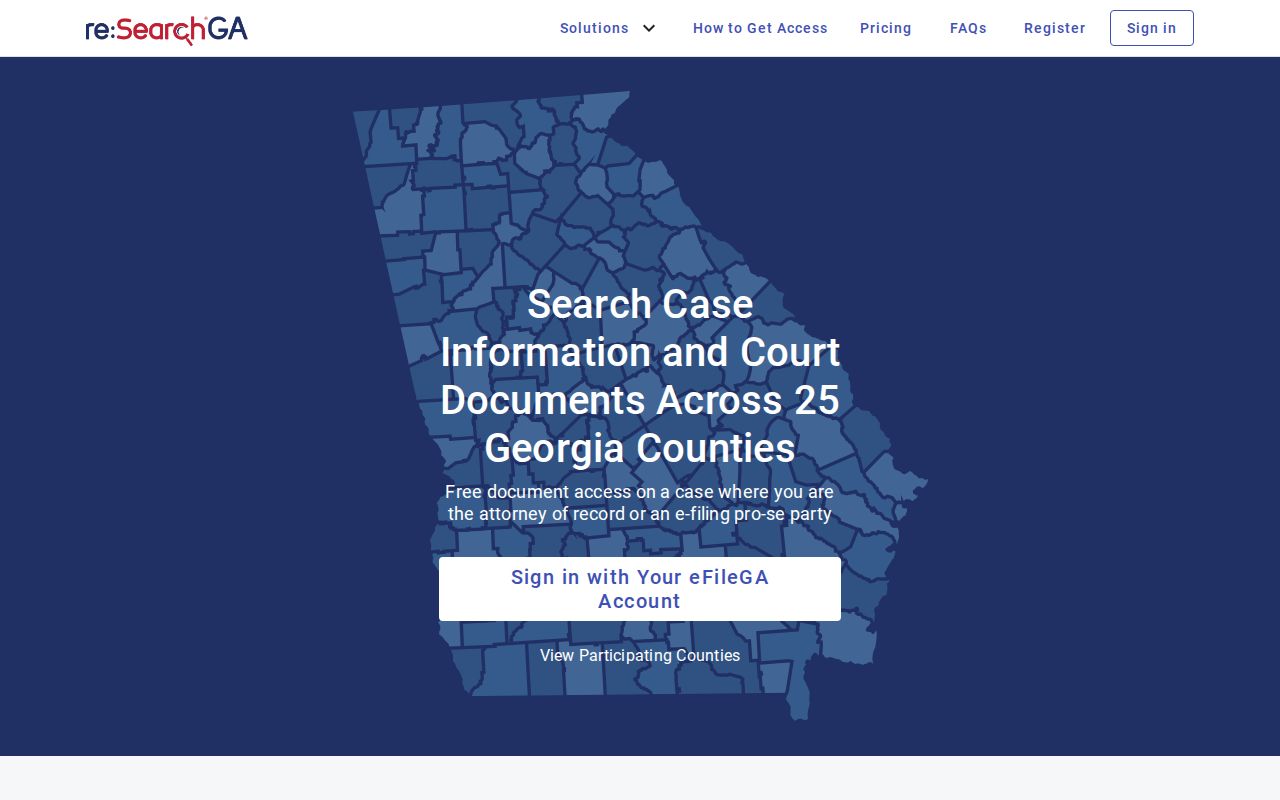
A blocked screen should send the searcher to account help or the Pierce clerk. It is not a no-hit.
Searching by Case Number
Copy the Pierce County number exactly from a summons, citation, order, receipt, or clerk notice. Enter it through Case Number without guessing punctuation. Pierce County does not publish one local format that safely applies to every court, so the correct example is exact number from notice. Superior, State, Magistrate, Probate, Juvenile, and municipal systems may use distinct patterns.
A number search is more precise than a name search. If it fails, confirm the court name before changing digits. A State Court number will not show that a municipal or Magistrate record is absent. Call the owning clerk with the full string before trying an invented prefix. Keep the notice beside the screen and compare each character. Leading zeroes, hyphens, and court labels may matter. Record the search date because later filings can change the result.
Pierce Portal Errors Are Not No-Hits
The endpoint returned HTTP 403 during the research check. That describes access to a web service, not the existence of a Pierce County case. Registration, account role, browser state, rate limits, and vendor availability can affect access. Try the official Georgia e-access route, sign in, and retain the error text.
Search fallback: Call Melissa Howard's clerk office at 912-449-2020 for Superior or State records when the portal remains blocked.
Traffic users can call 912-807-0189. Magistrate uses 912-449-2027, Probate uses 912-449-2029, and city cases return to the issuing municipal court.
What a Case Search Returns
A linked case description opens Case Details. The official guide supports the fields below, but an integrated Pierce court may not expose each one in every case. Treat “may display” as the rule, especially for financial data, outcomes, and protected documents.
| Case Number | The court identifier, shown as exact court-assigned number. |
|---|---|
| Parties and Roles | Public party names and roles where access permits. |
| Case Type and Court | The category and participating court or location. |
| Filed Date | The date used to sort and distinguish results. |
| Filings and Hearings | Event rows, document links, settings, and judicial officer when exposed. |
Pierce Document Cart Differs
The docket is the event list. A filed document is the complaint, motion, order, or other image behind an event. The re:SearchGA cart handles eligible images and may apply a local fee. It does not make a result a certified copy. Pierce publishes $0.50 per page plus $5 for certification, but no portal-image rate.
If a filing appears without an image, it may be restricted, hidden, not uploaded, or outside electronic coverage. Use the clerk follow-up in Pierce County court records and ask for the exact item and date.
Statewide vs County Case Search
Pierce County has no separate county docket-search portal. re:SearchGA is the statewide layer for participating Pierce Superior and State courts. Local clerks remain the source for the original file and courts that do not feed that system.
| re:SearchGA | Pierce Clerk Channels |
|---|---|
| Participating Georgia courts, including Pierce Superior and State | Superior, State, and Juvenile clerk plus separate lower courts |
| Public details, filings, and hearings where integrated | Original files, archives, copies, and missing entries |
| Best for online name or number search | Best for a known local case or failed portal query |
Pierce PeachCourt Is For Filing
PeachCourt is mandatory for Pierce Superior and State e-filing. Its login serves filing and document work. It is not the public Pierce County case-search screen. A person who reaches PeachCourt while seeking a docket should return to re:SearchGA or call the clerk.
Filing and viewing are separate tasks. A submission may take time to appear, and its image may remain hidden. Keep the filing receipt, then verify docket entry through Case Details or the clerk.
Access and Restricted Cases
Uniform Superior Court Rules 21 through 21.6 address access, sealing, and protected identifiers. Juvenile statutes sharply limit inspection. Adoption, mental-health, restricted criminal, and sealed records may show less or nothing to a basic user. Attorney and party roles can reveal different lawful layers.
A hidden image does not prove the full case is sealed. It may be restricted, redacted, unavailable to that role, or not uploaded. Ask the Pierce clerk what the public docket shows and what order is needed for added access. An Open Records Act request does not override a seal.
Pierce Federal Search Uses PACER
A federal case involving Pierce County uses PACER or Southern District CM/ECF, not re:SearchGA. Pierce lies in the Waycross Division. PACER requires registration and uses its federal fee schedule. CourtListener may mirror some files, but coverage is incomplete.
The official PACER page starts federal registration and search.
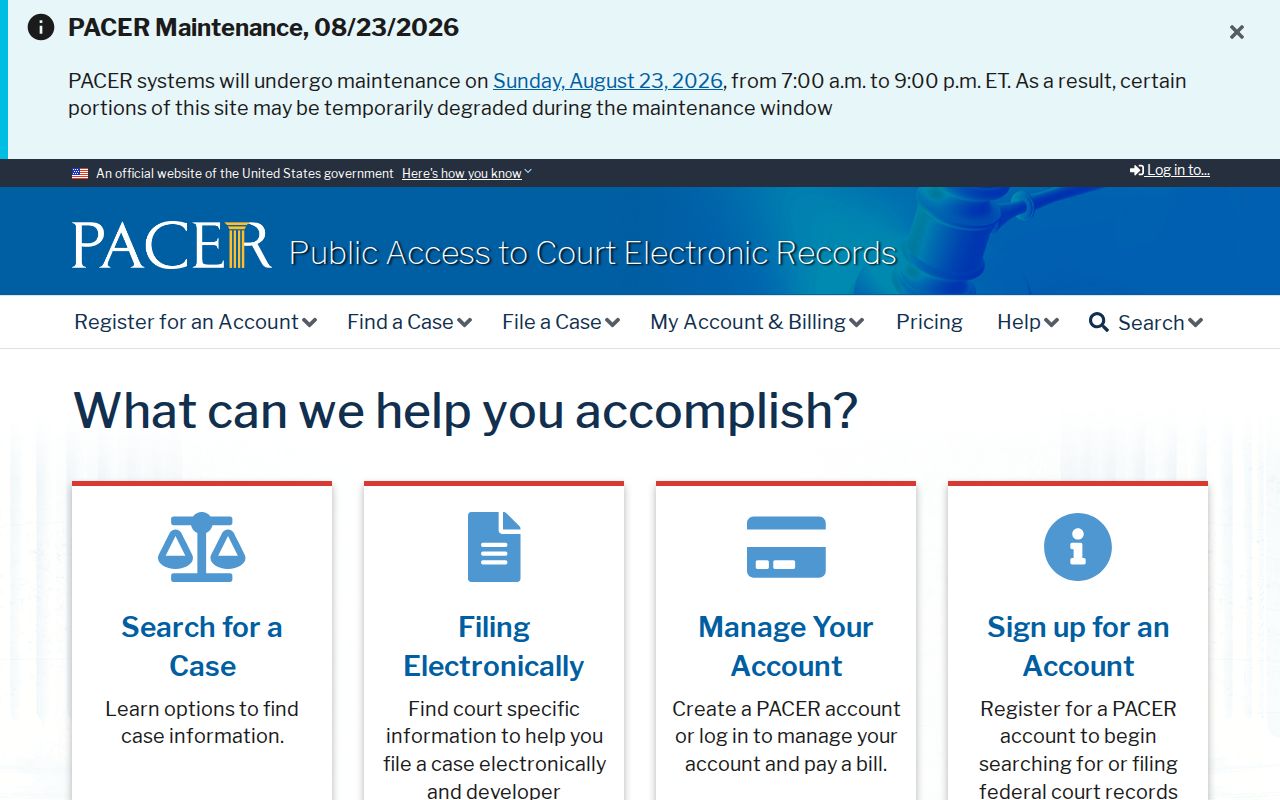
Check the court heading first. Federal and Pierce County state dockets have different custodians and systems.
Pierce Older Cases Need Archives
Electronic coverage has a documented statewide baseline of October 1, 2018, but local integration and older imports vary. That date is not a promise that every Pierce County file opened after it is complete online. A case may have started on paper, moved between systems, or contain an entry whose image was never uploaded. The 1875 courthouse fire also makes broad claims about the survival of much older material unsafe.
For an older search, collect the party name, rough year, case type, and likely court. Ask Melissa Howard's office whether a Superior or State index, docket book, microfilm, archive box, or paper jacket must be checked. For Magistrate or Probate matters, call that separate office. A genealogy or local-history search may need a wider year span, but the clerk should confirm the available index before fees or travel are planned.
Search results can also be sorted and exported for a personal research log. Record the court, case number, filed date, and exact source. Then verify any key entry against the originating Pierce County clerk record.